Features
Everything about your machine —
Everything about your machine —
in one interactive experience.
Hover any capability to see it in action. Author a machine once — your sales team shows it off, your customers explore it, and your techs diagnose and repair it.
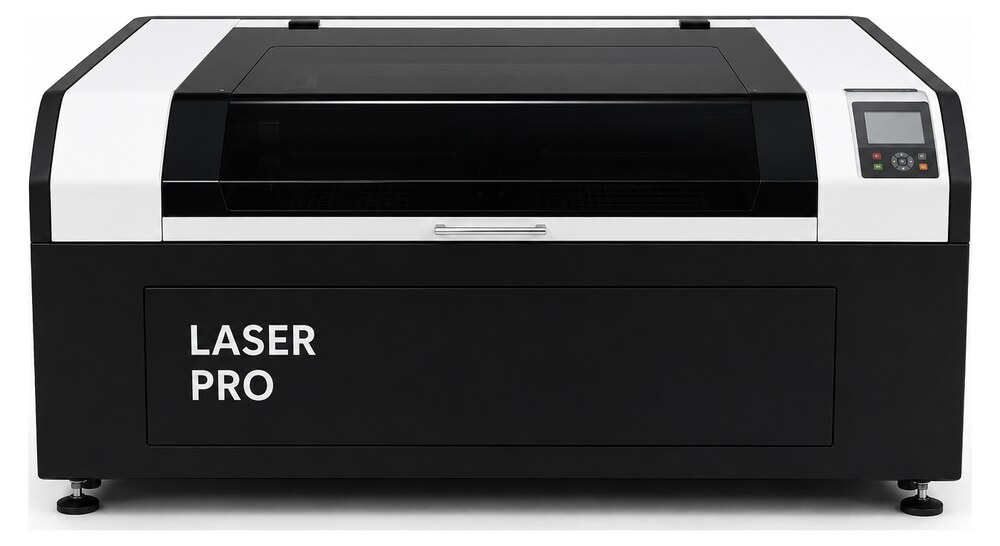
1
Brand color
Guided steps
FrontRightLeftRear
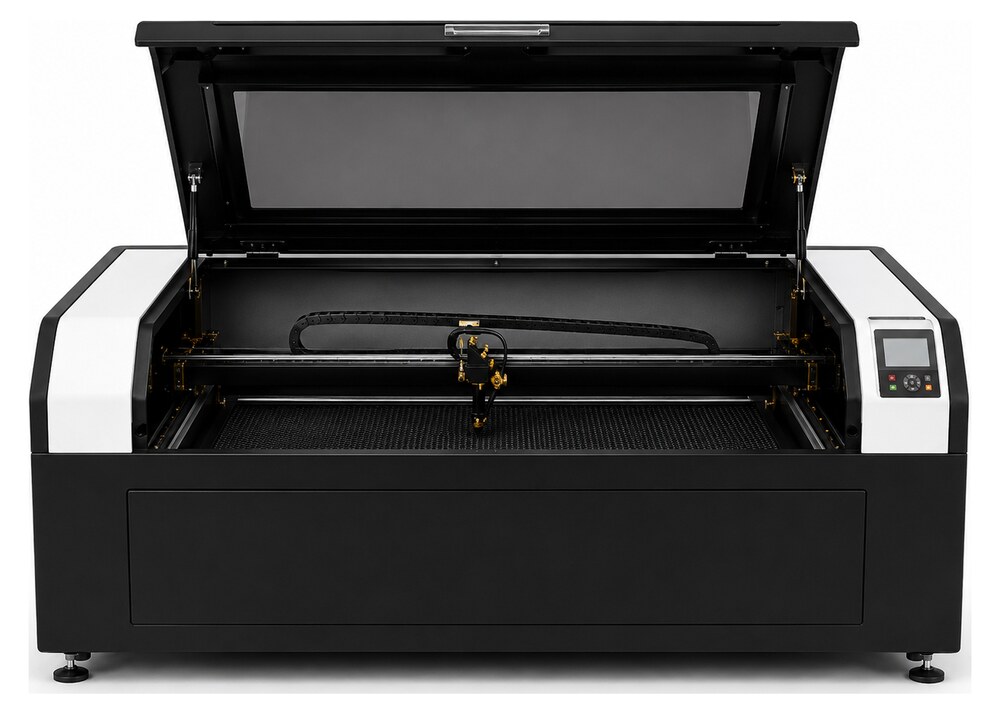
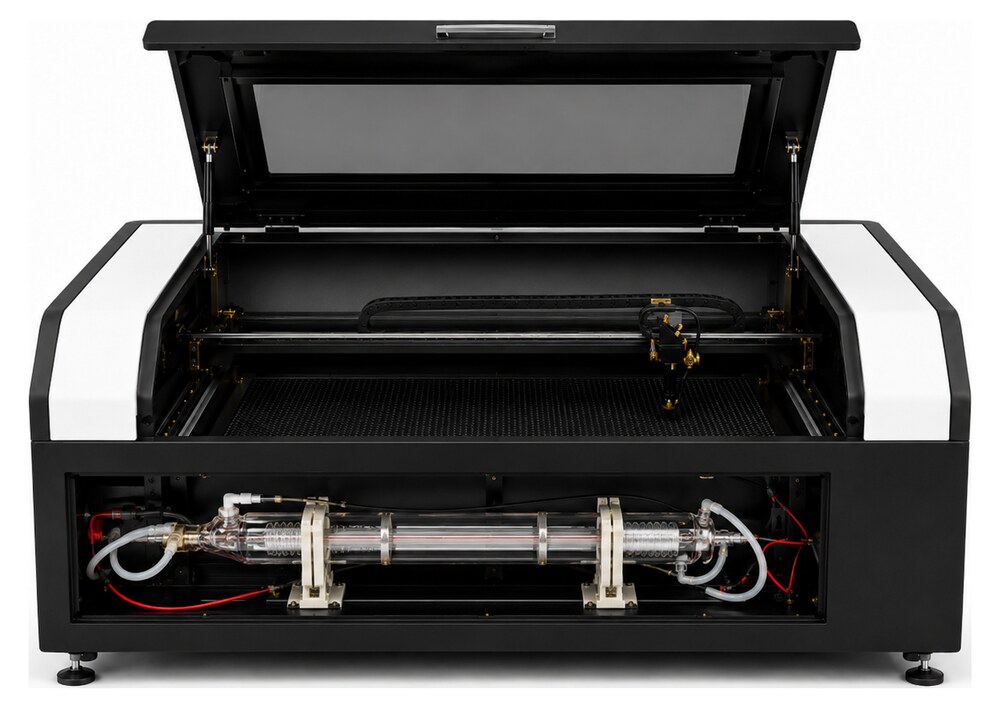
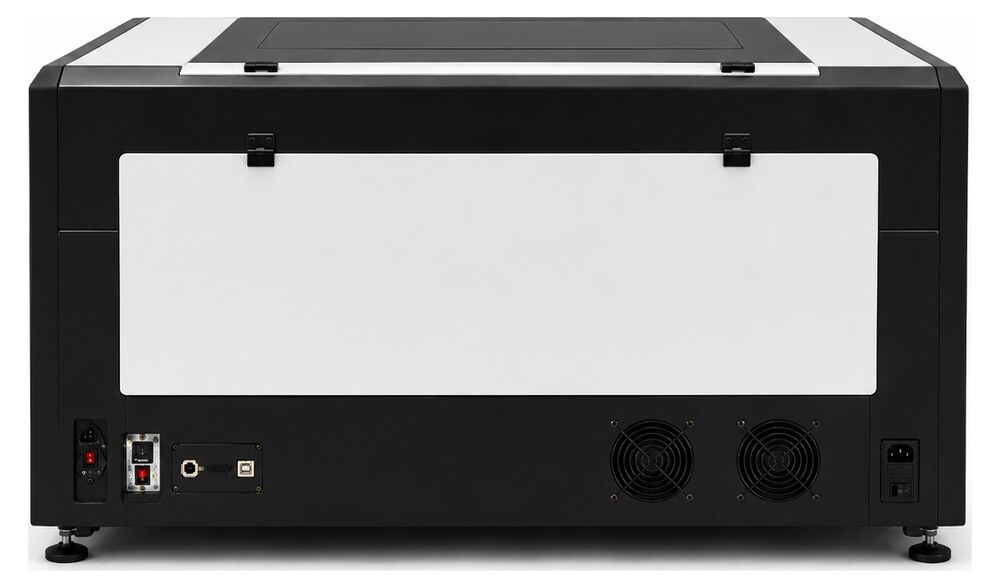
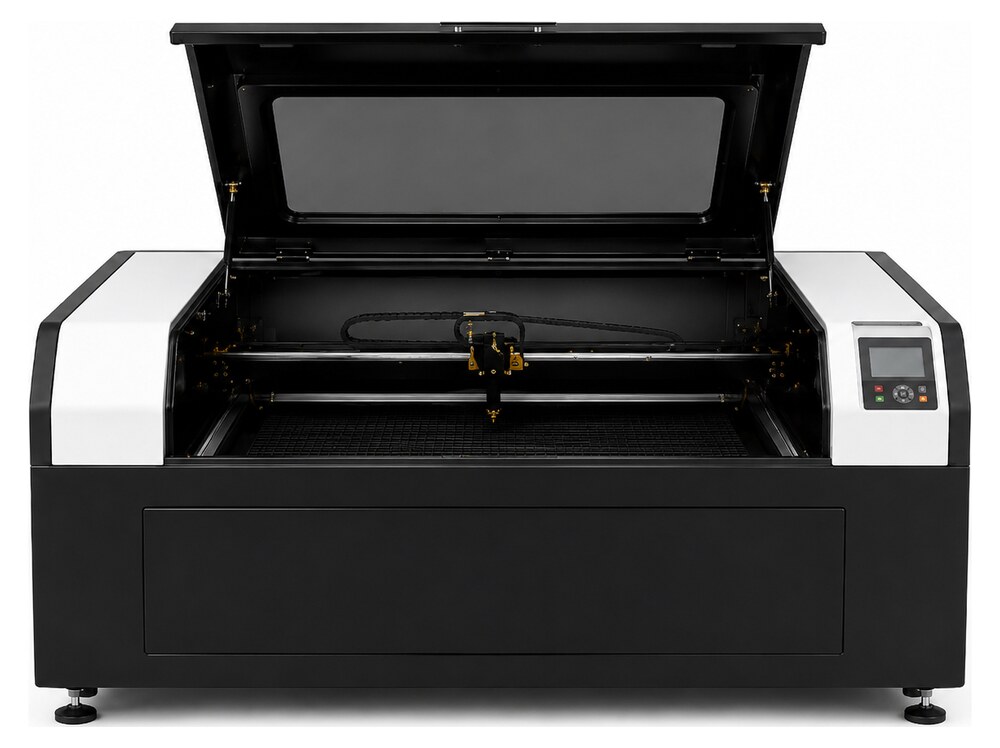
FrontRightLeftRearInside
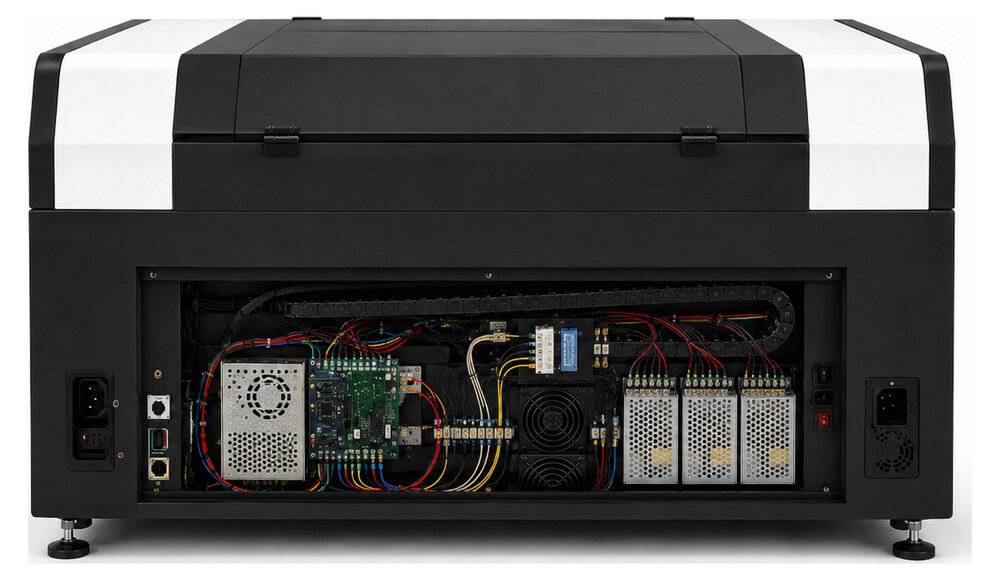
3
Part detail
Power Supply
AC-500-PS45 · Electronics
48 V system supply
Replace the laser head
- 1Power down and let the optics cool.
- 2Loosen the head clamp, slide it free.
- 3Inspect the lens for pitting.
- 4Fit the new lens, curved side up.
- 5Re-home and run a focus test.
2.5mm hexLens tissueGloves
Language
Laser Head / Lens
Focusing-lens assembly that concentrates the beam onto the work surface.
激光头 / 镜片
将激光束聚焦到工作表面的聚焦镜组件。
Cabezal láser / lente
Conjunto de lente que concentra el haz sobre la superficie de trabajo.
Laserkopf / Linse
Fokuslinsen-Baugruppe, die den Strahl auf die Oberfläche bündelt.
Series 500 · Sales
Work area500 × 300 mm
Laser powerUp to 60 W
Max speed1000 mm/s
Rotary Attachment
Engrave tumblers & bottles
$499Buy
REC
OwnerAuthorViewer
.rndrSeries 500Opens
Photos baked in — no connection needed.
Your brand, your look
Pick your brand color and drop in your logo. RndR themes Studio and the Viewer to match — buttons, markers, highlights, the works — and bakes it into every machine file, so your customers see your brand even offline.